Drop a PDF here or click to choose
Your document stays in your browser
or
Choose a field above, then click and drag on a page to place it.
Free fillable PDF form creator, maker and builder. Create PDF forms online with fields, labels and signatures.
Choose a field above, then click and drag on a page to place it.
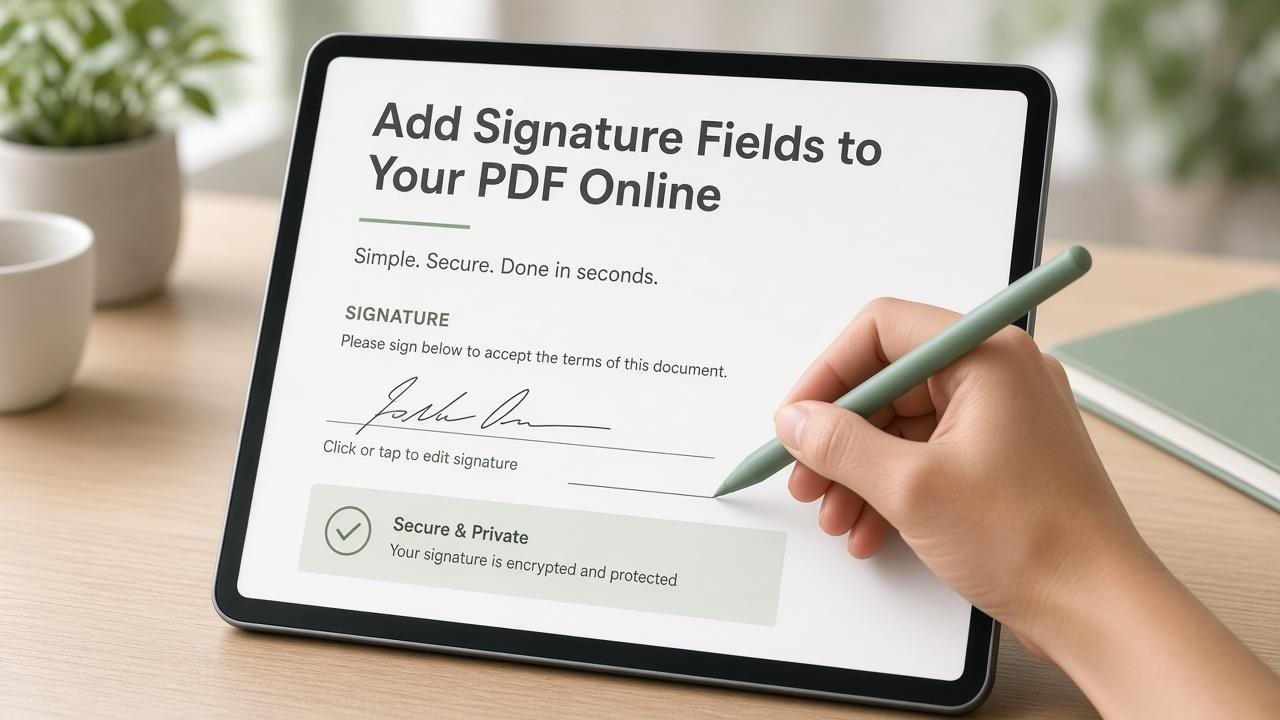
A fillable PDF form lets people type answers, tick checkboxes, pick dropdown options, and sign without printing. ToolsInFlow’s PDF Form Creator is built for that job: open a blank page or upload an existing PDF, place fields where they belong, then download a form that works in Adobe Reader, browsers, and most office workflows.
This matters for school permission slips, job applications, rental agreements, clinic intake forms, and any document that used to force people to print-scan-email. You stay in the browser, edit on your device, and leave with a real fillable PDF—no account and no forced watermark on the download.
Fillable fields beat printed underlines when people must type, tick, and sign in one digital file. Test the download in a second reader before you send it widely.
A flat PDF looks like a form but behaves like a picture. Recipients cannot tab between fields, checkboxes do not toggle, and signatures become awkward image stamps. The form creator turns that flat page into something people can complete digitally.
Good forms are boring on purpose: clear labels, enough space for names, a signature field that works on phones, and a final test pass in Adobe Reader, Preview, or Chrome before you mail the file to fifty applicants.
Yes. Build and download fillable PDFs with no signup.
Standard fillable fields work in common desktop and mobile PDF readers. Always spot-check.
Yes. Upload a PDF or start blank, then place fields.