
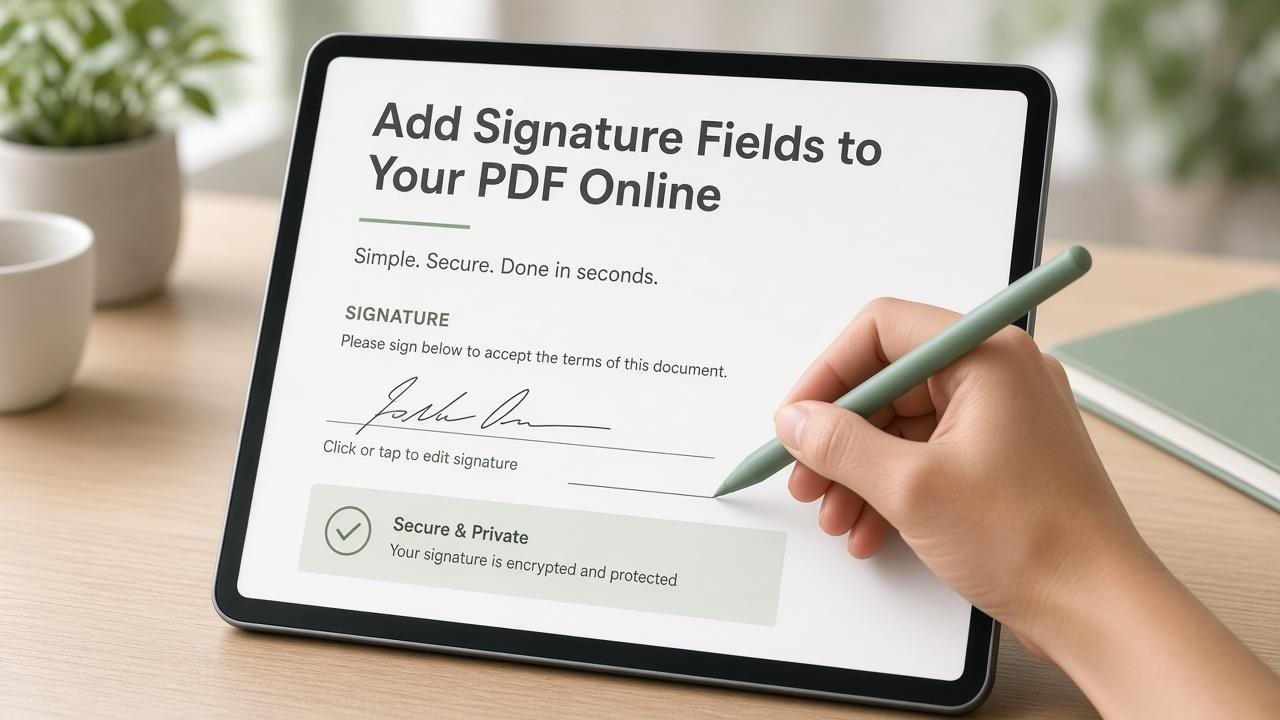
A signature line drawn as plain text is not the same as a signature field. One is decoration. The other is a place a PDF reader understands as “sign here.” That difference is why some “sign and return” emails turn into phone photos of pen-on-paper, while others come back as a single completed PDF.
If you collect approvals regularly — parents, clients, vendors, or internal stakeholders — building a proper signature block once saves you from chasing incomplete replies.
Signature line vs signature field
A signature line looks like a place to sign, but on a flat PDF people still print or paste an image. A signature field is interactive. In many readers, someone can click it and sign with a mouse, finger, stylus, or the reader’s signature tools.
If your process needs people to sign inside the PDF and return one file, use a real signature field. Keep the surrounding agreement text fixed. You are not redesigning the whole document; you are giving the signature a working target.
When you need one
Add a signature field for service agreements, permission forms, policy acknowledgments, delivery notes, enrollment packs, and quotes that become approved when signed. Skip it for internal drafts and read-only proposals.
A signature field is useful when you need a clear “I approve this version” moment tied to a name and date. It is less useful when the real conversation is still happening in comments and the document will change again tomorrow.
Build a complete signature block
Include signer name, role or company if relevant, the signature field, a date field, and a short confirmation label. A scribble alone does not always tell you who signed, especially when several people share a device or when the signature is a quick stylus mark.
Place the name field above or beside the signature, not after the fact in an email subject line. If two companies are signing, label each block with the party name so nobody signs in the wrong box.

Add signature fields online
Open the PDF Form Creator and upload your document. Place name and date fields first, then click and drag a signature field large enough for a natural signature. Use labels such as “Authorized signature.” Download and test in another app.
If the page already has a printed underline, cover messy lines with whiteout if needed, then place a clean signature field on that area. Trying to float a tiny interactive box over a crowded footer is how signatures clip text or become unusable on phones.

One signer or several?
One block at the end is enough for a single signer. For two parties, repeat the block and label each one clearly. Only add initials on every page if your process truly needs them. Extra initial boxes slow people down and create more empty fields when someone misses a page.
If a second signer only needs to countersign after the first person finishes, say that in a short label. Clear order reduces “I thought you already signed” messages.
Placement and mobile tips
Keep the block in the lower third of the final page when possible. Align name, signature, and date calmly. Leave margin around the box. Many people open PDFs on a phone, so avoid tiny signature strips.
Do not bury the signature under a dense paragraph with no visual break. Give the eye a clear stopping point. On mobile, a signature field that is too short becomes a frustration loop: people try to sign, the mark looks cramped, and they abandon the file for a photo of paper instead.
When not to rely on a PDF signature field alone
A browser-added signature field is enough for everyday acknowledgments and light agreements between parties who already know each other. It is not a substitute for a full e-sign platform when you need identity checks, tamper certificates, or regulated audit trails.
Do not use a signature field as the only control on a document that still needs legal review. And do not ask for signatures on every draft. Sign the version you intend to keep.
Common mistakes
Nothing happens on click means the file may be flat. Signature covering text means the field is too large or misplaced. A signature without a date means you forgot a date field. Two people using one box means you need separate labeled blocks. Sending the unsigned template again after someone already signed creates version chaos — name completed files clearly.

Example scenario
A small landscaping company emailed quotes as flat PDFs with “please sign below.” Clients printed the last page or replied “approved” in email, which made bookkeeping fuzzy. The owner added a name field, a large signature field, and a date field to the quote PDF, labeled “Client approval.” After testing on a phone, most jobs came back as one signed PDF. The office stopped guessing which email thread counted as approval.
Troubleshooting
- Click does nothing: Confirm you downloaded a fillable PDF and that a signature field exists, not only a drawn line.
- Signature looks cut off: Enlarge the field and keep it away from page edges.
- Wrong person signed the wrong box: Add explicit labels for each party.
- Date is missing on returns: Add a dedicated date field next to the signature before you resend the template.
- Works on desktop, fails on phone: Increase field size and retest in a mobile PDF app.
Before / after checklist
Before you send for signature
- Name field present and labeled
- Signature field large enough to use
- Date field included
- Clear label for whose signature it is
- File tested after download on desktop and, if possible, mobile
After the first signed return
- Signature is readable and not clipped
- Name and date arrived with the mark
- You stored the completed file under a clear name
- Template remains separate from completed copies
Final takeaway
Give people a real signature field, not just a printed underline. Pair it with name and date, test the download, and keep the box large enough for desktop and mobile in the Free PDF Form Creator.