Drop images here or click to choose
JPG, PNG or WebP
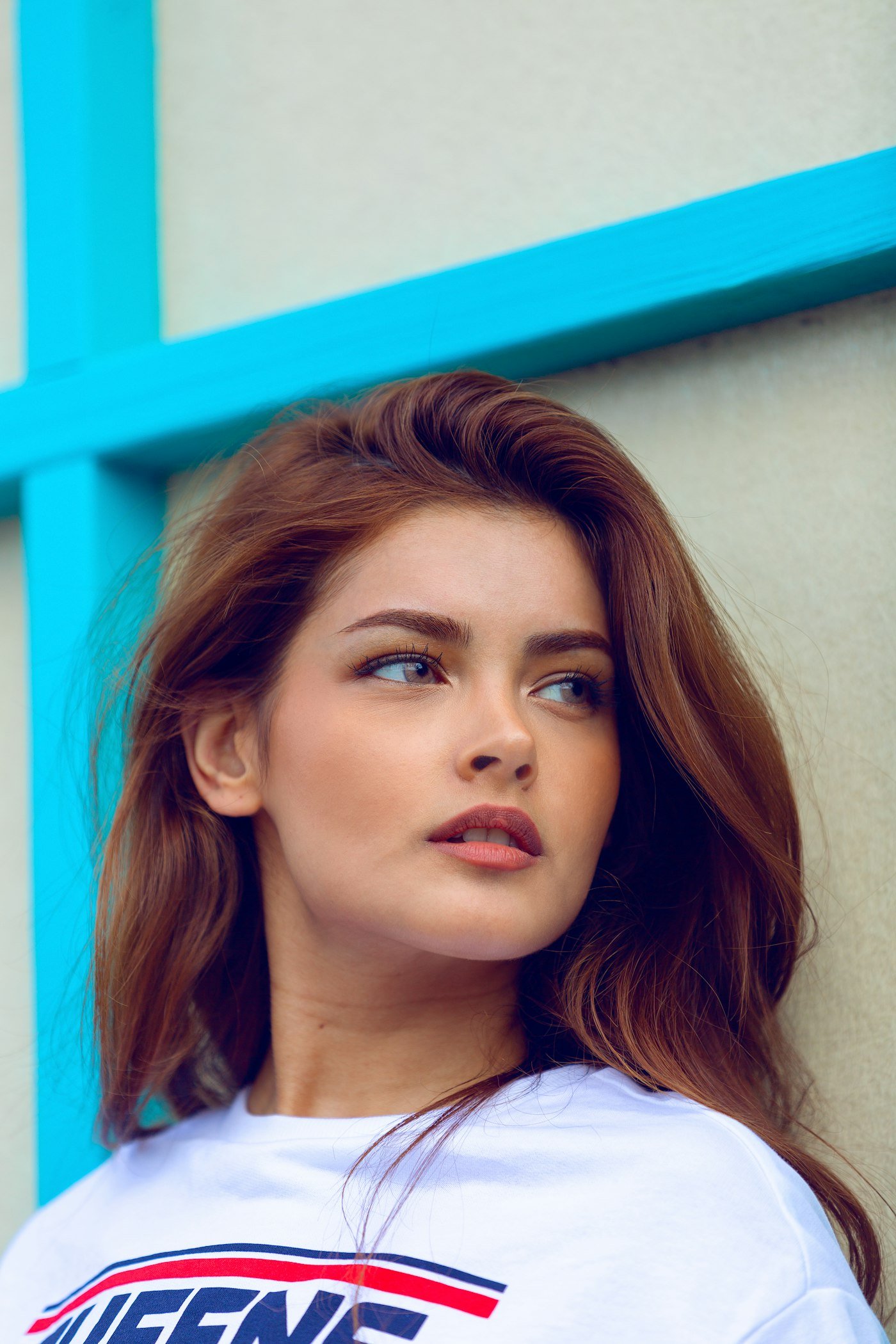
Auto-blur faces or paint areas to blur. Control blur amount from 10% to 100%.
Blur Faces helps protect privacy in photos you publish or share. Auto-detect faces or paint areas manually, set blur from 10% to 100%, preview, then download.
Use it before posting event photos, classroom shots, or street photography where people did not agree to be clearly identifiable.
Blur Faces reduces casual identification in photos you still need to share. Auto mode helps with crowds; manual brush catches misses, posters, and reflections.
Blur is not a full privacy program. Crop when a person dominates the frame. Remove metadata separately when location privacy matters. Read the photo privacy guide on the blog before publishing sensitive albums.
Yes.
Start auto for crowds, then brush anything missed.